
Designing Capacitive Touchscreens for Glove Operation
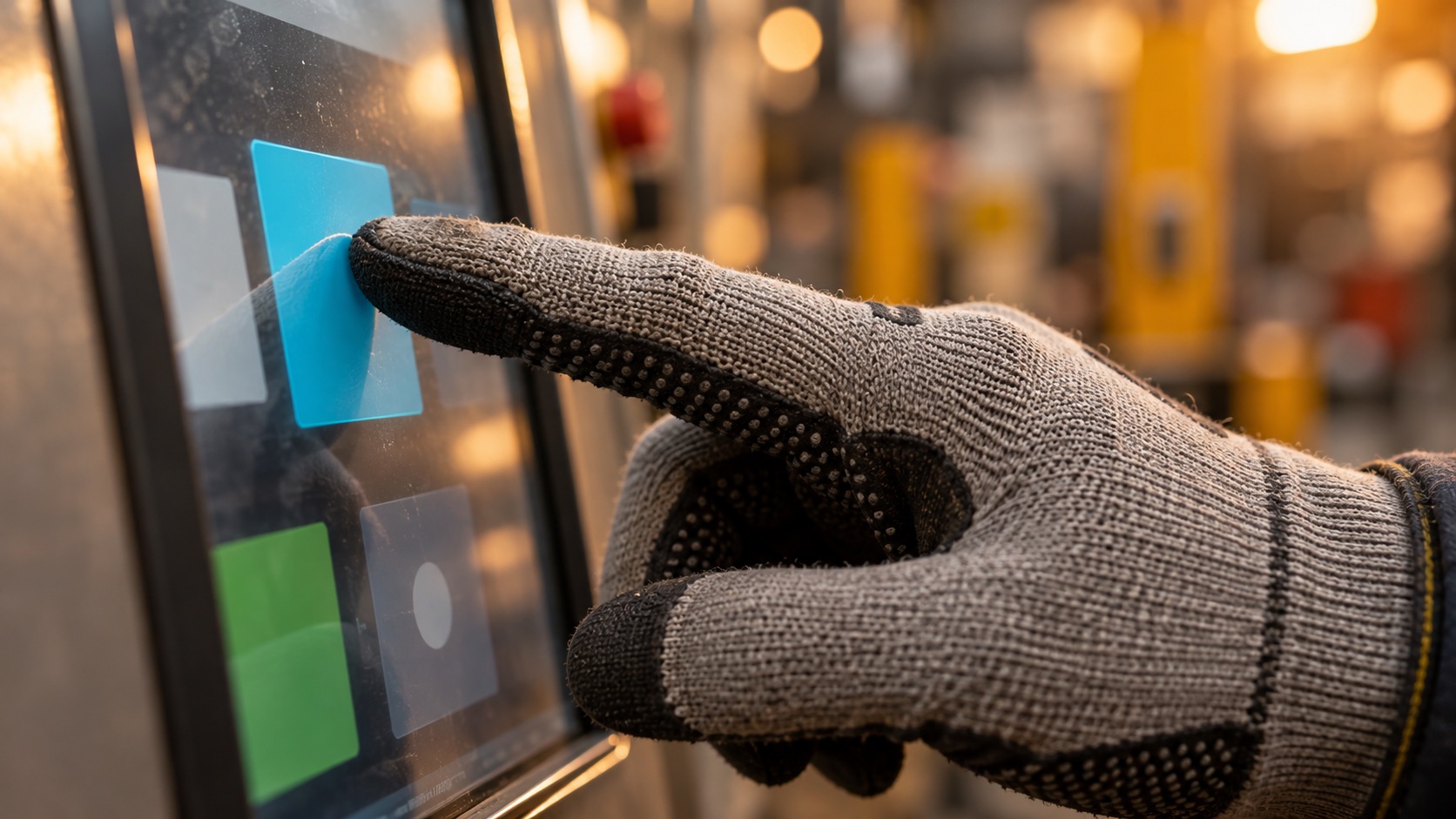
Reliable glove operation is a property of the complete touch system, not a sensitivity setting alone. Specify the actual glove, qualify the cover stack and controller together, and confirm that valid touches remain distinguishable from noise and unwanted input across the intended conditions.
This guide provides a validation framework for projected capacitive touchscreens. It does not claim that any untested panel supports every glove. The Hero is an AI-generated illustration of a use case.
Why a Glove Changes the Touch Signal
PCAP detects changes in capacitive coupling around its electrodes. A glove adds material between the finger and the cover surface. Thickness matters, but it is not the only variable: dielectric properties, compression, moisture, contact area, and air trapped inside the glove can all change the effective interaction.
Two gloves with the same advertised thickness may behave differently. A loose insulated glove may introduce an air gap around the fingertip; a snug thin glove may maintain a more consistent contact shape. Pushing harder can change compression and contact area, but it should not become an undocumented operating requirement.
Start with the capacitive touch fundamentals if the distinction between sensor electrodes, controller, and cover glass is unfamiliar. Each element can affect the final result.
Replace “Works with Gloves” with a Glove Specification
Give the display supplier physical samples and a controlled list of approved gloves. Include manufacturer, model, size, material, lining, and whether double gloves are permitted. Record the condition in which they are tested: new, worn, dry, damp, or contaminated in a defined way.
| Variable | What to document | Why it matters |
|---|---|---|
| Glove identity | Model, size, material, lot when relevant | Prevents substitution by a different construction |
| Finger fit | Snug or loose, lining, trapped air | Changes coupling and contact consistency |
| Thickness | Location and measurement condition | Nominal sheet thickness may not represent a fingertip |
| Surface condition | Dry, wet, approved contamination | Can change valid-touch and false-touch behavior |
| Operator posture | Reach, hand support, approach angle | Changes contact shape and grounding conditions |
| Task | Tap, hold, drag, repeat, multi-touch | Different actions expose different failure modes |
A practical requirement names the glove and task: “The approved insulated glove must complete the defined button sequence in the assembled enclosure.” A vague promise such as “supports winter gloves” leaves too much unresolved.
Qualify the Cover Stack Before Tuning
The sensing distance includes more than the glove. Cover-glass thickness, adhesive layers, air gaps, and the sensor’s construction influence the signal. A successful bare-sensor demo does not qualify a final stack with thicker protective glass.
Use the intended black mask, bezel, mounting, and cable routing. Edge performance can differ from center performance, particularly near grounded metal or changes in the sensor boundary. See cover glass and OCA bonding for stack considerations.
The Microchip mXT1665TD datasheet makes glove and front-panel capabilities conditional on configuration and stack-up. Use that as a reminder to qualify a complete design, not as a transferable thickness guarantee for another controller.
Inspect Signal Margin, Not Only Reported Coordinates
A touch that appears once on a demonstration screen may be close to the detection boundary. Ask the supplier to examine raw or processed touch signal, baseline stability, and noise using the controller’s supported diagnostic tools.
Compare bare-finger and gloved input at the center, edges, and corners. Then repeat with production power sources and relevant equipment running. Record the configuration and diagnostic mode so the results remain comparable.
Microchip’s maXTouch Studio Lite training demonstrates viewing touch data and configuration effects. Its example settings belong to the illustrated hardware; they are not universal tuning values.
There is no single raw-count threshold that applies to all PCAP systems. Sensor geometry, acquisition mode, processing, and noise representation vary. Ask for adequate margin under the supplier’s documented method rather than copying a number from an unrelated evaluation kit.
Tune with False Touches in View
Lower detection thresholds may help weak glove input cross the boundary, but can also admit noise or unintended contact. Other controller options may change acquisition, filtering, classification, or rejection behavior. Use the manufacturer’s supported workflow and preserve a known-good baseline.
Change one controlled group of parameters at a time. After a change, check missed taps and unwanted actions together. Also verify release behavior: a touch that remains active after the finger leaves can be as disruptive as a missed press.
If the system generates input without contact, investigate power, grounding, cable coupling, and display interaction before treating the issue as a glove threshold problem. The ghost-touch guide provides a useful diagnostic sequence.
Build a Validation Matrix Around Real Tasks
| Test group | Representative conditions | Results to record |
|---|---|---|
| Basic input | Each approved dry glove; all screen regions | Misses, position error, latency, release behavior |
| Repeated actions | Rapid taps, long holds, slow drags | Double events, broken tracks, stuck input |
| Liquid exposure | Wet glove, droplets, film if in scope | Valid input and unintended actions separately |
| Electrical environment | Production supply and operating machine | Noise-related failures and recovery |
| Environmental extremes | Approved temperatures and humidity conditions | Function before, during, and after exposure |
| Wear and cleaning | Defined glove wear and cleaning sequence | Changes from the initial performance baseline |
Set sample size, repetitions, and acceptance limits before testing. For example, a project can define a repeated task sequence and a maximum acceptable missed-action rate, but the numerical limit must come from its usability and risk requirements. This article does not invent a universal industrial threshold.
Use multiple operators where practical. A result produced only by one person pressing in a particular way may not represent the intended user population. Include corner targets and the smallest permitted UI controls, not just large central buttons.
Design the Interface to Support Gloved Users
Use target sizes and spacing appropriate to the glove and viewing distance. Provide clear state feedback, avoid critical actions on tiny adjacent controls, and make cancellation accessible. A larger button does not fix weak electrical detection, but it can reduce selection errors once detection is reliable.
If gestures are optional, provide a simple alternative. If wet cleaning requires input suppression, make the cleaning mode and its exit behavior explicit. Do not treat an unexplained non-responsive screen as an acceptable water-rejection feature.
Freeze the Approved Configuration
Archive the sensor revision, glass drawing, adhesive stack, controller part number, firmware, tuning file, and checksum. Record the approved glove list and test report beside them. Revalidate after changes that can affect sensing, including front-surface materials and power architecture.
If the required glove cannot be supported reliably, revisit the stack, controller, interface design, or resistive-versus-PCAP choice. A controlled design change is preferable to accepting a marginal demonstration as qualification.
Frequently Asked Questions
Why do some gloves not work on capacitive touchscreens?
An insulating glove changes coupling between the finger and the sensor. Its material, compressed thickness, lining, air gaps, and contact area can reduce the signal below what the configured system can reliably distinguish from noise.
Is increasing touchscreen sensitivity enough for glove operation?
Not necessarily. Greater sensitivity can also increase false touches or water-related errors. Evaluate signal margin, sensor design, cover thickness, controller features, and noise before adjusting thresholds.
What is the maximum glove thickness for PCAP?
There is no universal maximum. A supported thickness applies to a particular glove material, sensor, cover stack, controller, and configuration. Validate the actual approved glove rather than transferring a number from another design.
Should gloves be tested wet and dry?
Yes, if wet use is part of the application. Dry operation, wet gloves, isolated droplets, and continuous liquid films can produce different results and need separate acceptance criteria.
What should a glove-touch qualification record include?
Record glove identity and condition, sensor and cover revisions, controller firmware and configuration, power source, environment, test locations, task results, false touches, and the approved acceptance limits.