
HMI Cover Lens Design for TFT Touch Panels
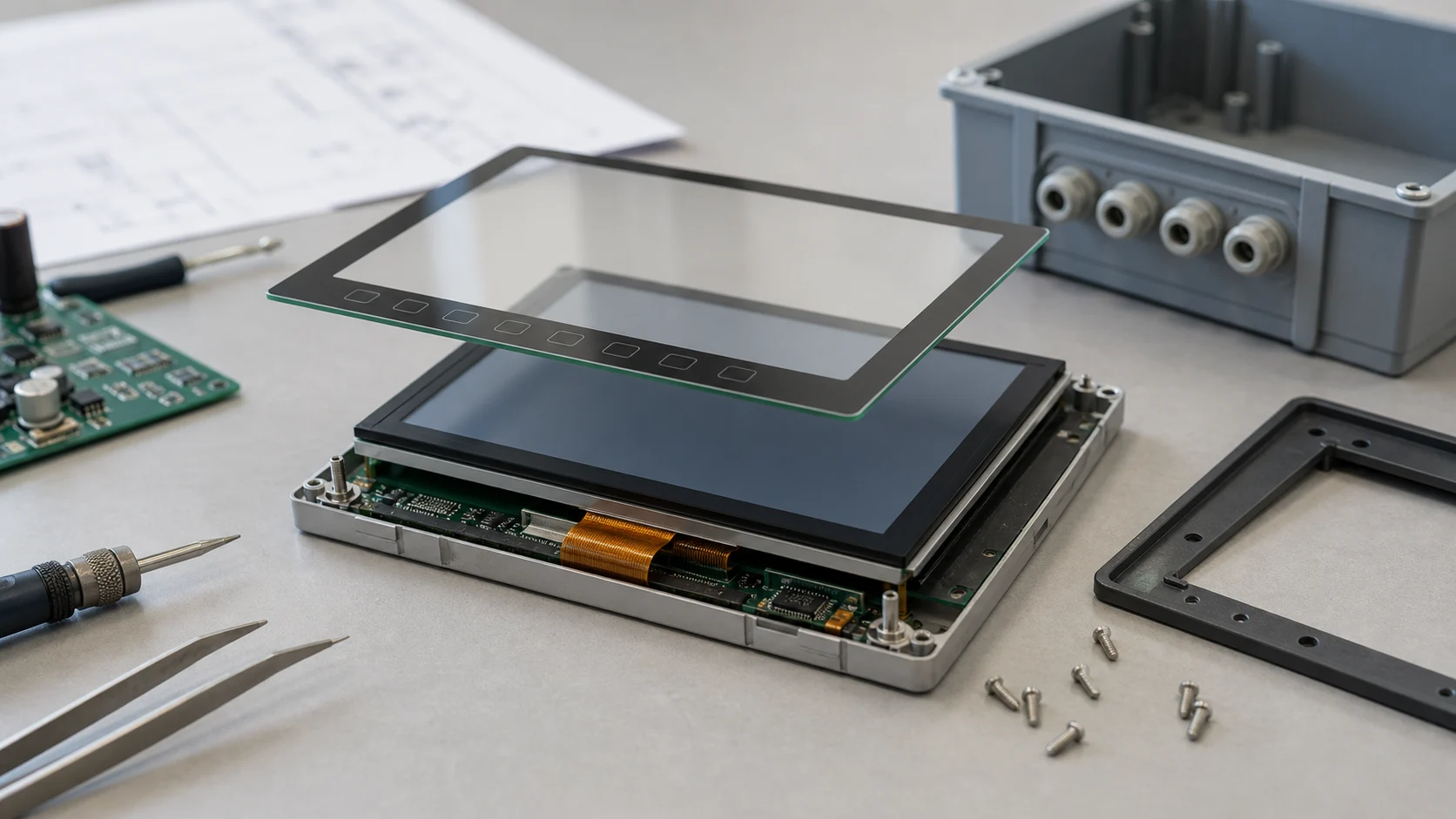
An HMI display is judged through its front surface. Users may never see the LCD part number or controller IC, but they immediately notice whether the glass feels solid, the printed border is aligned, the touch area responds predictably, and the screen remains readable after repeated cleaning. That front layer is the cover lens.
For TFT touch panels, the cover lens is more than decoration. It protects the LCD and touch sensor, controls the visual edge of the product, supports sealing, and influences touch sensitivity. In industrial and commercial HMI products, it also carries expectations around durability, chemical resistance, and long service life.
The best time to design the cover lens is early, while the display module, enclosure, touch controller, and bonding method are still flexible. Waiting until the mechanical design is finished often turns the cover lens into a compromise.
What the Cover Lens Must Do
An HMI cover lens normally has five jobs:
- Protect the display and touch sensor from scratches, impact, dust, and liquids.
- Provide a clean user-facing surface with the right feel.
- Hide internal parts such as adhesive, sensor traces, screws, and LCD edges.
- Support touch performance through the chosen glass thickness and stack.
- Match the enclosure, sealing method, and product identity.
These jobs can conflict. Thicker glass improves impact resistance but may reduce touch sensitivity. A wide black printed border hides mechanics but can increase the inactive visual area. Anti-glare treatment improves readability in bright spaces but may soften the image. Good design is a balance, not a single specification.
Glass Thickness and Strength
Cover lens thickness should be chosen from the product environment. A wall-mounted smart home HMI may use relatively thin strengthened glass because it is not often dropped. A factory control panel, public kiosk, or rugged terminal may need thicker glass and stronger edge support.
Common choices include chemically strengthened glass for consumer and commercial products, thermally tempered glass for larger or rugged panels, and plastic materials such as PMMA or PC when weight or impact behavior matters. Glass usually gives better scratch resistance and optical feel, while plastics can be lighter and more impact tolerant.
The edge design is as important as the center thickness. Sharp or poorly polished edges can chip during assembly or service. Rounded 2.5D edges feel better in consumer products, while flat polished edges may be easier to seal in industrial panels.
Printing and Icons
Most HMI cover lenses use back-side printing. The ink can create a black border, hide adhesive, show a brand mark, or define capacitive key icons. Because the printing is behind the glass, it is protected from touch wear and cleaning.
However, printed decoration must be coordinated with the display active area and touch sensor. If the border is too narrow, internal parts may show through. If it is too wide, the display can look smaller than expected. If capacitive icons are not aligned with the electrodes, users may feel that the buttons are inaccurate.
For dead-front icons, test both bright and dim environments. An icon that looks elegant in a dark room may be too faint under office lighting, while a very bright icon may look cheap at night.
Bonding and Sealing
The cover lens can be assembled with an air gap, OCA, or LOCA bonding. Air gap construction is easier to repair and often lower cost. Optical bonding reduces reflections, improves contrast, and makes the stack feel more solid.
For HMI products, sealing is often a major reason for using a custom cover lens. The glass can overlap the enclosure, compress a gasket, or bond to a frame to help achieve dust and water resistance. The sealing plan should be reviewed with the display stack because pressure, adhesive thickness, and enclosure flatness can all affect touch behavior.
If the product will be cleaned with alcohol, disinfectant, detergent, or industrial chemicals, test the coating, ink, and adhesive. Cosmetic failure at the front surface damages trust even when the electronics still work.
Touch Performance
Capacitive touch performance depends on glass thickness, sensor pattern, controller tuning, grounding, bonding, and noise from the LCD. A cover lens that is visually correct can still fail if the touch controller was tuned with a thinner sample.
Validate:
| Test | What to Check |
|---|---|
| Edge touches | No weak zones near printed borders |
| Glove operation | Works only if required by the product |
| Wet finger | No false touches or lockups |
| Long press | Stable coordinate reporting |
| Sleep/wake | Touch recovers after power transitions |
| ESD | Controller does not reset or latch up |
The final stack should be tested as one assembly. Bare sensor testing is useful, but it is not enough for an HMI cover lens decision.
Drawing Details That Prevent Rework
The cover lens drawing should define viewing window size, ink tolerance, glass thickness, edge finish, hole positions, coating area, and inspection criteria. It should also show the LCD active area and touch sensor position as references. These details reduce arguments during sample review because cosmetic alignment, border coverage, and edge quality are already agreed before production.
Practical Recommendation
Start the HMI cover lens drawing with the display active area, enclosure opening, sealing method, and touch requirements visible at the same time. Keep the design simple where possible, but do not under-specify edge processing, printing tolerance, coating, and bonding.
For broader context, compare this topic with cover glass options for consumer TFT displays and PCAP touch panel design. The same front-surface decisions often decide whether an HMI feels robust or unfinished.
Frequently Asked Questions
What is an HMI cover lens?
An HMI cover lens is the front protective and cosmetic layer over a touch display. It protects the TFT module, defines the user-facing surface, and can include printing, icons, coatings, and custom shapes.
How thick should HMI cover glass be?
The right thickness depends on impact risk, panel size, touch sensitivity, and enclosure support. Industrial HMI designs often use thicker strengthened glass than handheld consumer products.
Can printed icons affect touch performance?
Yes. Ink thickness, icon position, and hidden key areas can affect bonding flatness and touch response. Printed areas should be validated with the final touch controller tuning.