
PCAP vs Capacitive Touch Panel for TFT Displays
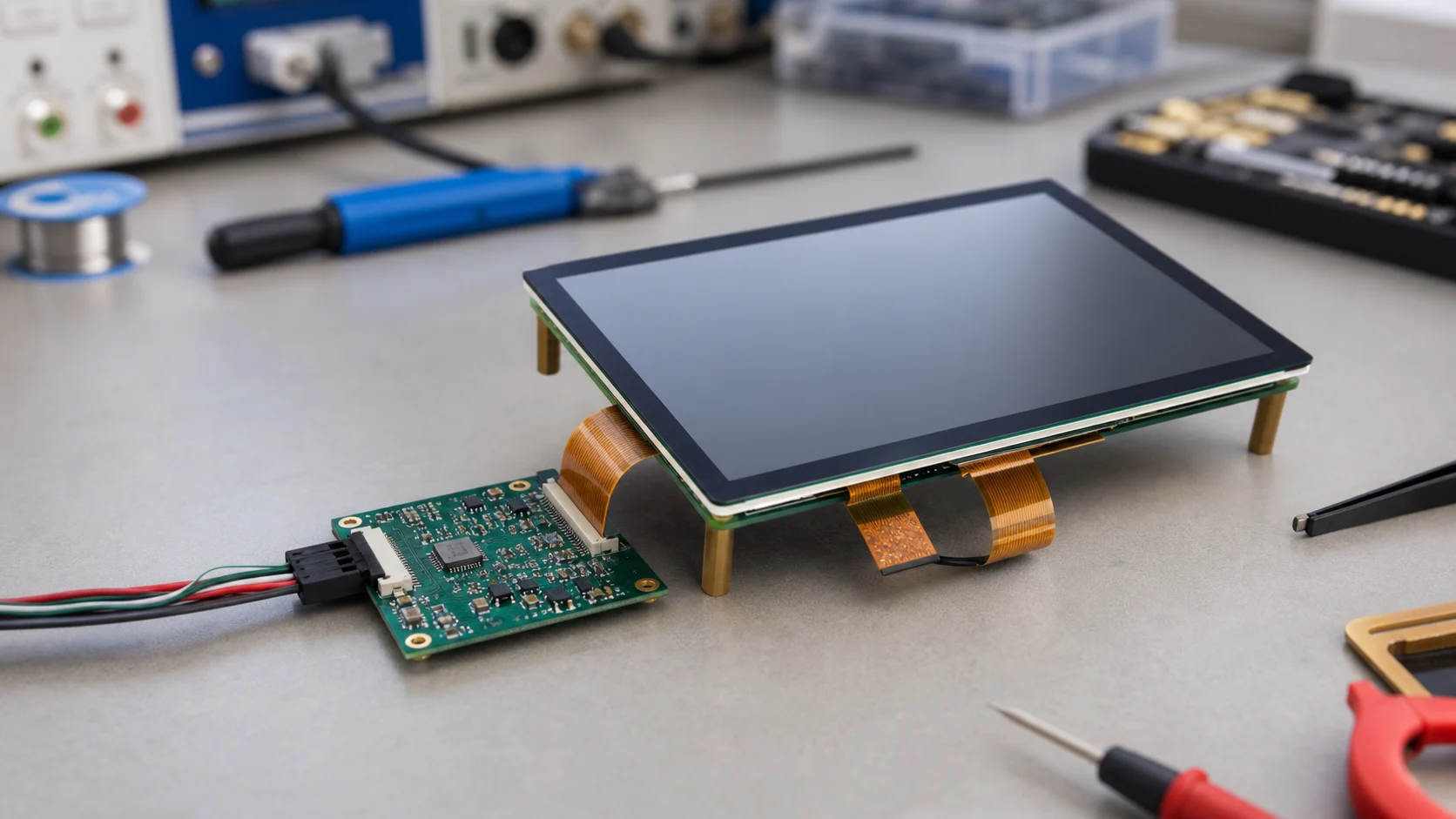
PCAP is often treated as a default choice for modern touch products, but it is not a drop-in detail that can be decided late. In a TFT display assembly, the touch panel, cover glass, LCD module, backlight driver, enclosure, and firmware all affect how stable the touch experience feels. A sample that works on a supplier bench can still misbehave after it is placed behind printed glass, close to a switching power supply, or inside a plastic housing with weak grounding.
The name PCAP means projected capacitive touch. It is the capacitive technology used in most modern phones, smart home panels, handheld instruments, and consumer control screens. A patterned sensor detects changes in capacitance when a finger approaches the cover surface. The touch controller then filters noise, calculates coordinates, and sends events to the host processor.
For product teams, the key question is not whether PCAP is advanced. The question is whether the complete stack can support the product’s actual use conditions: dry fingers, wet fingers, gloves, household cleaners, nearby motors, long cables, and display noise.
PCAP in a TFT Display Stack
A typical TFT touch display stack may include the cover glass, printed decoration, optical adhesive or air gap, touch sensor, LCD panel, backlight, FPC cables, and a touch controller IC. Each layer changes the signal.
The cover glass increases the distance between the finger and the sensor. Decorative ink can affect edge sensitivity. Optical bonding changes the physical stack and may improve rigidity. The TFT display and backlight driver introduce electrical noise. The enclosure determines grounding and shielding. These are not separate choices; they form one touch system.
This is why touch tuning should happen with the real cover lens and real display module. Testing only a bare sensor can create false confidence. The bare sensor may feel responsive, while the final product loses sensitivity at the edge or reports false touches when the backlight changes brightness.
Where PCAP Works Well
PCAP is a strong choice when the product needs a clean front surface, multi-touch, light finger pressure, and a modern touch feel. It works well for smart home panels, small medical accessories, appliances, personal care devices, portable controllers, and industrial HMIs with sealed fronts.
It also supports custom cover lens design. A product can use black borders, icons, holes, rounded edges, and anti-fingerprint coating while keeping the touch sensor behind the front surface. This gives designers more freedom than old resistive touch panels.
The trade-off is that PCAP needs more attention to electrical and mechanical design. If the product must support gloves, wet hands, or very thick glass, those requirements should be stated before the sensor is selected.
Touch Controller Tuning
The touch controller is the part that decides whether the signal is a valid touch or noise. Good tuning balances sensitivity, stability, response time, water rejection, palm rejection, and edge accuracy.
Important tuning questions include:
| Question | Why It Matters |
|---|---|
| Final cover glass thickness | Sets the required sensitivity range |
| Air gap or optical bonding | Changes signal strength and consistency |
| Glove support | Requires higher sensitivity and noise filtering |
| Wet finger behavior | Needs water rejection and false-touch control |
| Display interface noise | MIPI, RGB, and backlight circuits can disturb sensing |
| Grounding method | Affects baseline stability and ESD robustness |
For consumer products, a slightly slower but stable touch response is often better than a very sensitive setting that creates false touches. For industrial products, the tuning may need to prioritize gloves, moisture, and immunity.
Common Failure Modes
The most common PCAP issues are not mysterious. They usually appear in repeatable situations:
- Touch works on the bench but fails inside the enclosure.
- Edges are less sensitive than the center.
- The cursor jumps when the backlight turns on.
- Water creates false touches.
- Glove mode works but normal touch becomes noisy.
- ESD testing resets the touch controller.
- The panel stops responding after sleep and wake cycles.
These problems are easier to prevent than to fix. The PCB should provide clean power, stable grounding, short touch traces where possible, and correct reset timing. The FPC should avoid running touch lines beside high-speed display signals without shielding or ground reference.
Validation Before Production
Before production, test the final stack rather than individual parts. Use the real cover glass, real adhesive, real display, real enclosure, and real firmware. Check normal touch, edge touch, long press, swipe, wet finger, glove use, charger noise, backlight dimming, sleep/wake, and ESD exposure.
If the product uses a large or bright TFT display, also test touch behavior at different brightness levels. Backlight PWM and display interface activity can change the noise environment. A good validation plan catches these issues before the front glass and PCB are locked.
Supplier Questions
Before approving a PCAP supplier, ask for the supported cover glass thickness range, recommended grounding method, controller part number, tuning process, ESD test history, and whether glove or wet-finger modes have been validated on a similar stack. Also ask whether the supplier can retune after the first enclosure build. In many projects, the second tuning pass is where the touch panel becomes production-ready.
Practical Recommendation
Use PCAP when the product needs a modern touch surface, sealed front design, and smooth user interaction. Do not treat it as a simple accessory to the LCD. Define the cover glass, bonding method, grounding, touch controller, and firmware tuning as one system.
For related design work, review touchscreen cover lens design and why a TFT LCD touchscreen may not respond. Those two topics often explain the issues that appear after a PCAP sample becomes a real product.
Frequently Asked Questions
Is PCAP the same as capacitive touch?
PCAP is a common type of capacitive touch technology. It uses a patterned sensor and touch controller to detect finger position through changes in the electric field.
Can PCAP work behind thick cover glass?
Yes, but the glass thickness, sensor design, controller sensitivity, grounding, and noise environment must be tuned together. Thick glass should be validated with the final product stack.
Why does PCAP touch fail near a TFT display?
Failures often come from electrical noise, weak grounding, poor FPC layout, water on the cover glass, incorrect firmware tuning, or a touch controller that is not matched to the final stack.